
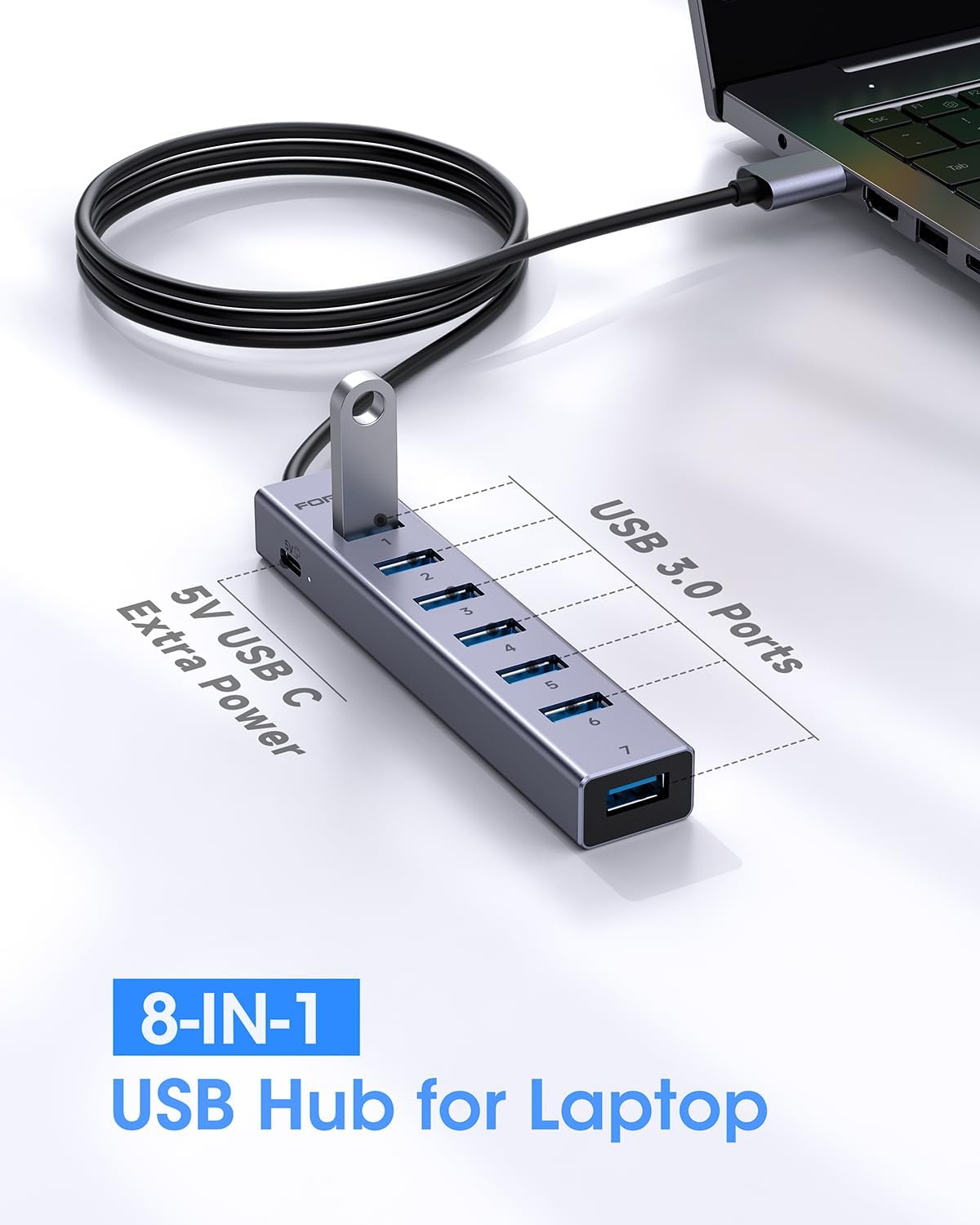
FORIDA Aluminum Alloy 8 Port USB Hub Long Cable USB Splitter with 7-USB3.0 Data Ports and TypeC 5V/3A Power Port Compatible with MacBook, Laptop,Surface Pro, PS5, PC and More (Gray, USB A-47in)




Price: $22.99 - $19.69
(as of Jan 09, 2026 00:00:31 UTC – Details)

Product description
The video showcases the product in use.The video guides you through product setup.The video compares multiple products.The video shows the product being unpacked. FORIDA USB multi port USB 3.0 hub Merchant Video


1 Long Cable
2 5V Extra Power
3 High Speed
4 Portable
USB 3.0 hub Only Support Data transfer. Not support Charging 

Search “FORIDA” and click to learn more
Add to Cart
Add to Cart
Add to Cart
Add to Cart
Customer Reviews
4.5 out of 5 stars 193
4.4 out of 5 stars 319
4.6 out of 5 stars 597
3.9 out of 5 stars 79
Price
$13.99$13.99
$25.99$25.99
$19.99$19.99
$49.99$49.99
The cable length?
6IN USB C
47IN
9.8IN
6IN
USB 3.0 Port Hub?
✔
✔
✔
✔
Can it be used with a Desktop?
✘
✔
✘
✔
What are its functions?
USB C MultiPort Adapter
Network HUB with 6 data port
7-Port USB 3.0 data transfer
13 IN 1 USB docking station
Can it charge a computer?
Yes. Using USB C Adapter
NO
NO
YES
When using the 8-in-1 USB 3.0 hub, please connect the 5V Type-C power cable. Note: The charging cable is not included.
The Type-C 5V/3A port cannot be used for data transfer; it is only used to power the hub itself. Please leave a message if you have any questions.
Can this multi-port USB hub be used for charging?
No, Type-C charging port only charging for hub itself. This USB 3.0 hub has 7 USB data transfer ports and does not support charging. It is only for data transfer and can connect USB flash drives, hard drives, etc.
What are the differences between USB A and USB C?
There’s no functional difference between USB A and USB C. The difference lies in your computer’s data port. If your computer uses USB A, then choose a long-cable USB 3.0 hub with USB A.
Note: This USB hub is designed solely for data transfer functionality and does not provide charging for other devices. ⚠️USB-C port only support for charging hub itself.
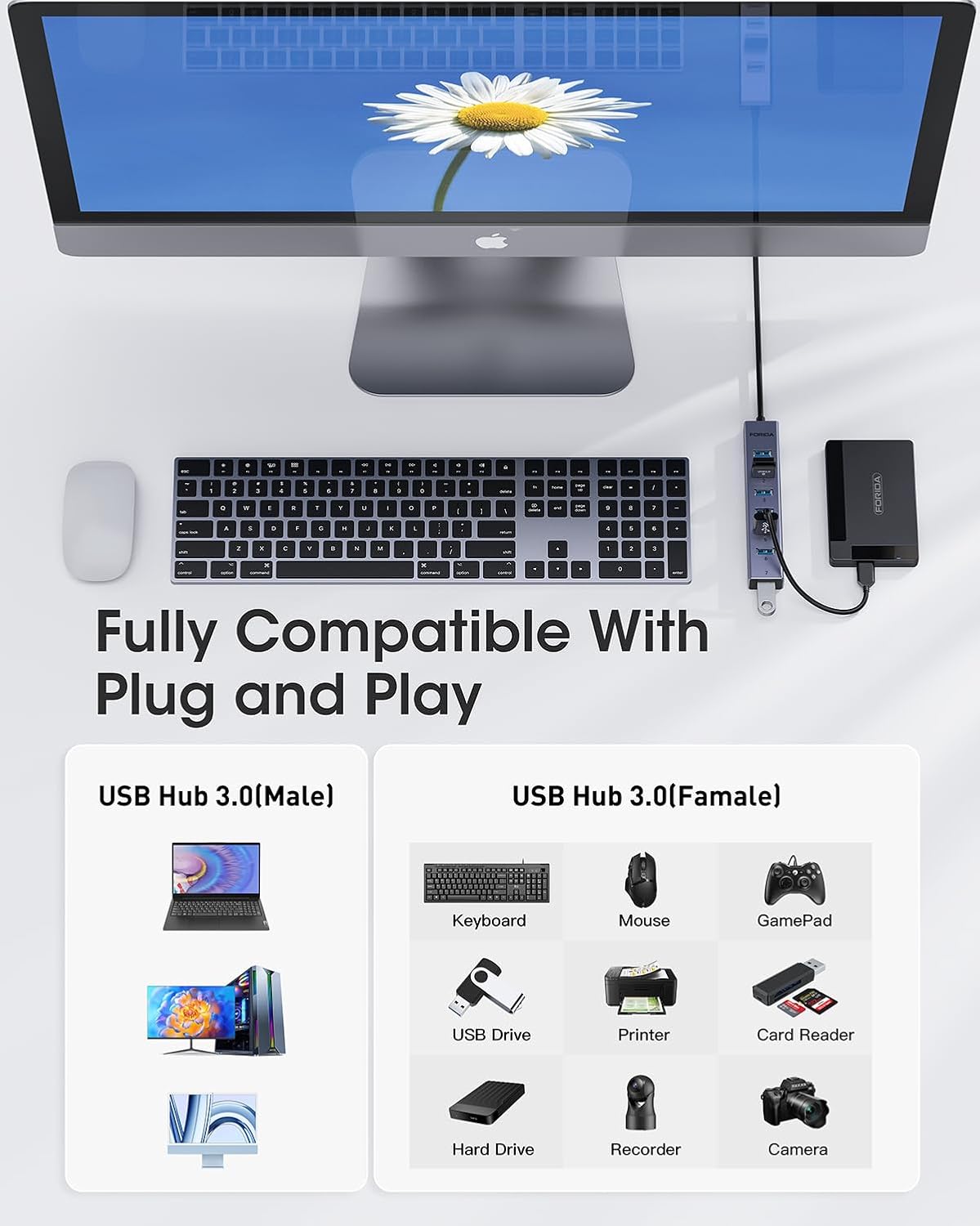
【Portable Long cable USB hub】With 7 port usb hub 3.0 , suitable for both laptops and PC,desk usb hub, you can easily connect multiple USB peripherals, such as flash drives, mice, keyboards, and printers, to your computer.
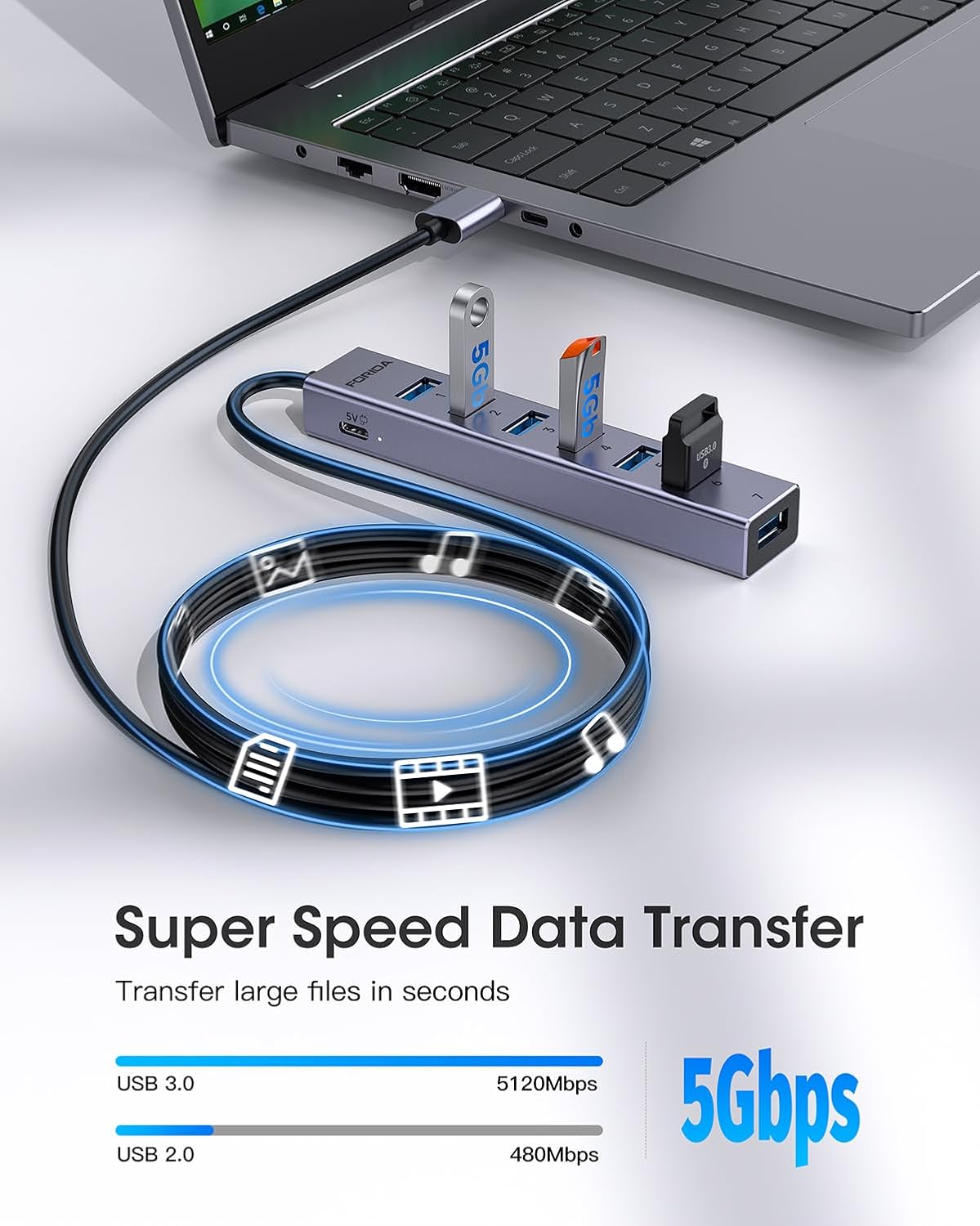
【5Gbps Data Transfer Speed】This usb splitter 3.0 syncs data at blazing speeds up to 5Gbps, which is more than 10 times faster than USB 2.0, fast enough to transfer an HD movie in seconds. 💻NOTE: USBA 3.0 Data Port not support charging and only support data transmission.
【Smart Charging Port】This usb multiport adapter comes with an additional USB C 5V/3A power interface, which can provide up to 3A charging power. When you use multiple USB 3.0 interfaces at the same time, pls connect the Type-C cable. You don’t have to worry about device delays by insufficient voltage.(The charging cable is not included in the package)
【Easy To Use】This usb port hub has a built-in high-performance chip to keep your devices and data safe, and supports hot swapping. No need for installation of any software, drivers, plug and play. Please offer extra power supply via the usb c port of USB adapter when the power-hungry devices are connected.
【Wide Compatibility】This usb hub for laptop is compatible with Macbook air/pro 2021 to 2024, Vista, XP, Mac OS x 10.6-10.12 or later, Linux 2.6.14 or Later. If you have any questions about this usb port hub, please feel free to contact with our reliable customer service, we will reply you within 24 hours.


![[2-Pack] Car Lighter USB Adapter, 52.5W Dual Port USB Car Charger for iPhone 17 16 Pro Max Samsung S26 S25, 30W PD Fast Charging Car Charger Adapter (Cable Included)](https://i0.wp.com/m.media-amazon.com/images/I/71GdKbg8TCL._AC_SL1500_.jpg?w=336&resize=336,220&ssl=1)

